 MiAutoIndependent community project
Xiaomi / OPPO / vivo phones.
Right on your car screen.
Your phone's navigation, music and calls on the car display. MiAuto runs on the car, your phone keeps using CarWith, Car+ or Jovi InCar, and the two find each other over the air.
No companion app on the car. No dongle or external hardware. No root.
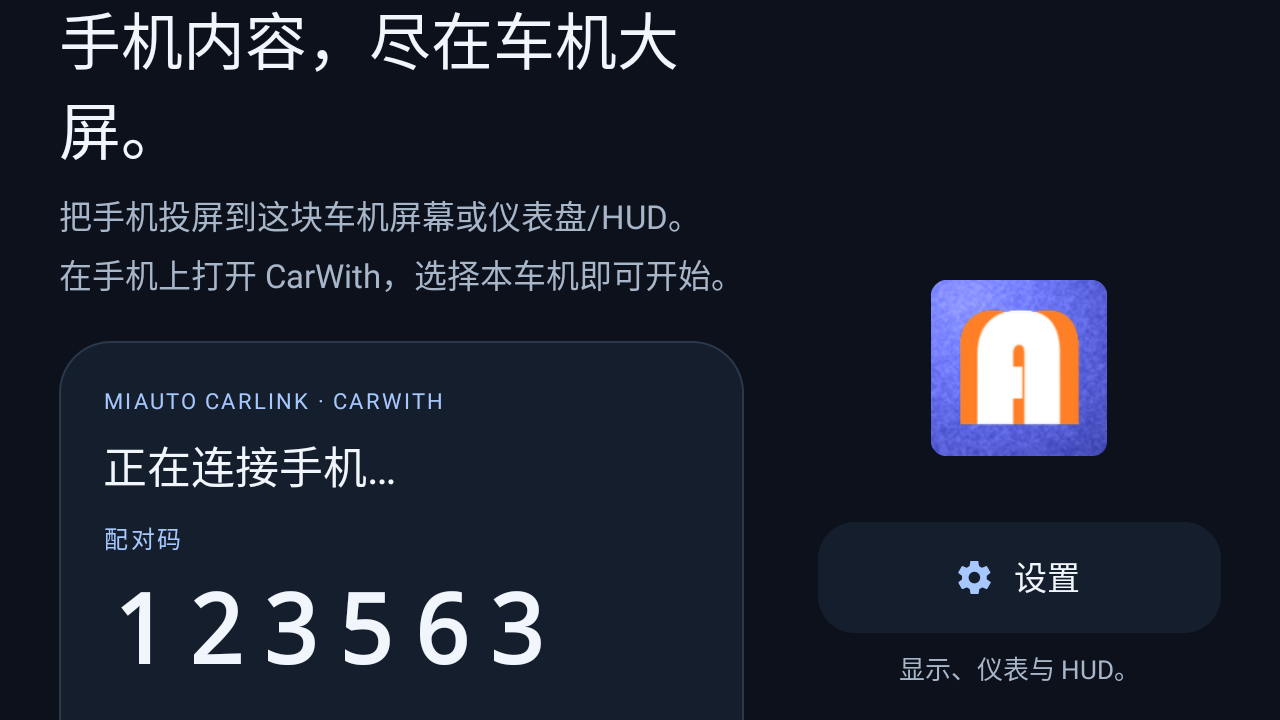
Install MiAuto on the car, then open CarWith, Car+ 车联 or Jovi InCar on your phone and pick this car from the nearby-device list. Pairing happens automatically and the 6-digit code appears on the car screen.
Scope: this project is aimed at ICCOA CarLink phones on car head units — Xiaomi CarWith, OPPO Car+, vivo Jovi InCar and similar. Reports about other mirroring protocols are welcome but unsupported.
What this project actually does
MiAuto is a car-side receiver for ICCOA CarLink — the one protocol behind Xiaomi CarWith, OPPO Car+ and vivo Jovi InCar. It is built on an existing Android Auto head-unit project, with the phone-side protocol swapped for that one — so the parts that were already solid came along, and the new part is the one that needed real testing.
Phone mirroring, received on the car
The app advertises itself as a car that any ICCOA CarLink phone can cast to. Your phone keeps its own maps, music and phone apps; nothing is installed on the phone and nothing needs to be configured on the car beyond the APK itself.
- The car broadcasts, the phone finds it in the nearby-device list.
- A 6-digit code is shown on the car and confirmed on the phone.
- No accounts, no dongle, no cable required.
A pairing prompt that comes back
The failure mode that matters is a prompt the user dismissed on the phone: the car is still broadcasting, but the phone will not show the dialog again on its own. MiAuto re-advertises every 30 seconds while it is not connected, which makes the prompt reappear without restarting anything.
- Re-advertising restarts the broadcast instead of repeating it, because repeating an unchanged broadcast is ignored.
- An active session is never interrupted by the watchdog.
- A manual refresh button is available on the home screen for an immediate retry.
Instrument cluster and HUD paths
The base project targets the instrument cluster area that BYD already exposes to third-party apps, and the windshield navigation outputs. Both paths are kept in MiAuto for cars that have them.
- Cluster projection is opt-in per car and off by default.
- Where the cluster is not shared with apps, the setting reports the feature as unavailable rather than failing.
- These paths are carried over and are not yet verified with MiAuto's protocol stack — see the status table.
Status at a glance
| Capability | Status | Notes |
|---|---|---|
| ICCOA CarLink session over the air | Verified on hardware | Newland NLS-MT9055-GL, Android 11, arm64 |
| Pairing code shown and re-advertised | Verified on hardware | Survives a cold start; 30-second watchdog confirmed |
| BYD instrument cluster mirror | Implemented, unverified | Carried over from the base project; no BYD unit available |
| BYD windshield HUD navigation | Implemented, unverified | Data path is wired; output not exercised on a car |
“Implemented, unverified” means the code path is present and compiles, but it has not been run on the hardware it targets. It is listed here rather than described as working.
Made for the car
Install on your car
- Download the APK and install it on the head unit through whichever installation route your car permits. Allow installation from unknown sources if it asks.
- Open MiAuto once. The home screen shows the car name and a 6-digit pairing code.
- On your phone, open CarWith, Car+ 车联 or Jovi InCar (or the equivalent screen-mirroring entry in Settings) and pick this car from the nearby-device list.
- Accept the pairing prompt on the phone. The phone screen appears on the car. Do this while parked.
If the phone cannot find the car, keep the phone's Bluetooth and Wi-Fi on, keep both screens awake, and try again. The car re-advertises itself every 30 seconds while it is unconnected, so a pairing prompt that was dismissed on the phone will come back on its own.
Full installation guide ↗What's new
- 0.1.1 — wording update. ICCOA CarLink is a standard jointly initiated by Xiaomi, OPPO and vivo. The home screen, the About and Support screens and the legal notice now name Xiaomi CarWith, OPPO Car+ and vivo Jovi InCar together instead of Xiaomi alone, and Traditional Chinese home-screen strings were added. No behaviour change.
- Wireless ICCOA CarLink reception — Xiaomi CarWith, OPPO Car+, vivo Jovi InCar and similar phones; the phone stays in the pocket or on the wireless charger.
- Automatic pairing code with a 30-second re-advertise watchdog, so a dismissed prompt on the phone comes back without restarting the app.
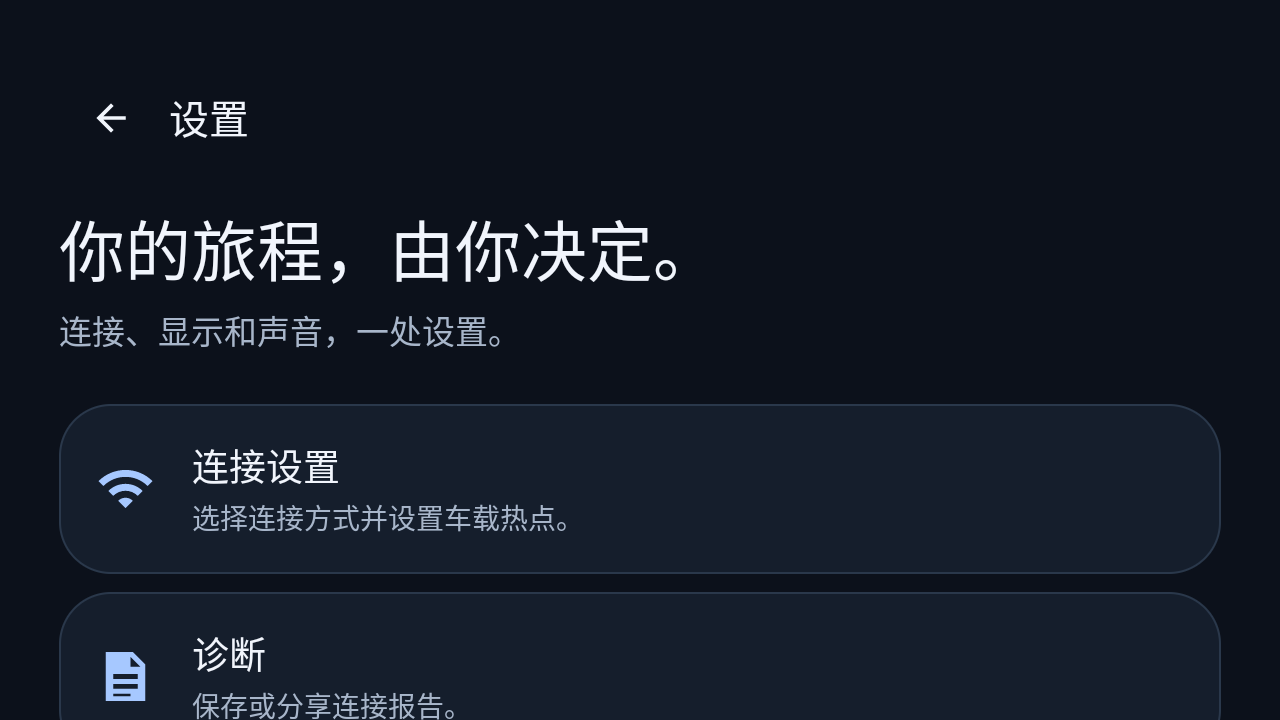
- Full settings tree inherited from the base project — connection, display, video, input, audio, backup, reset and diagnostics.
- Instrument cluster and HUD projection paths carried over from the base project, for cars that expose those areas. See the honest status below.
- Car-friendly home screen with large pairing digits, a refresh button and a single entry into settings.
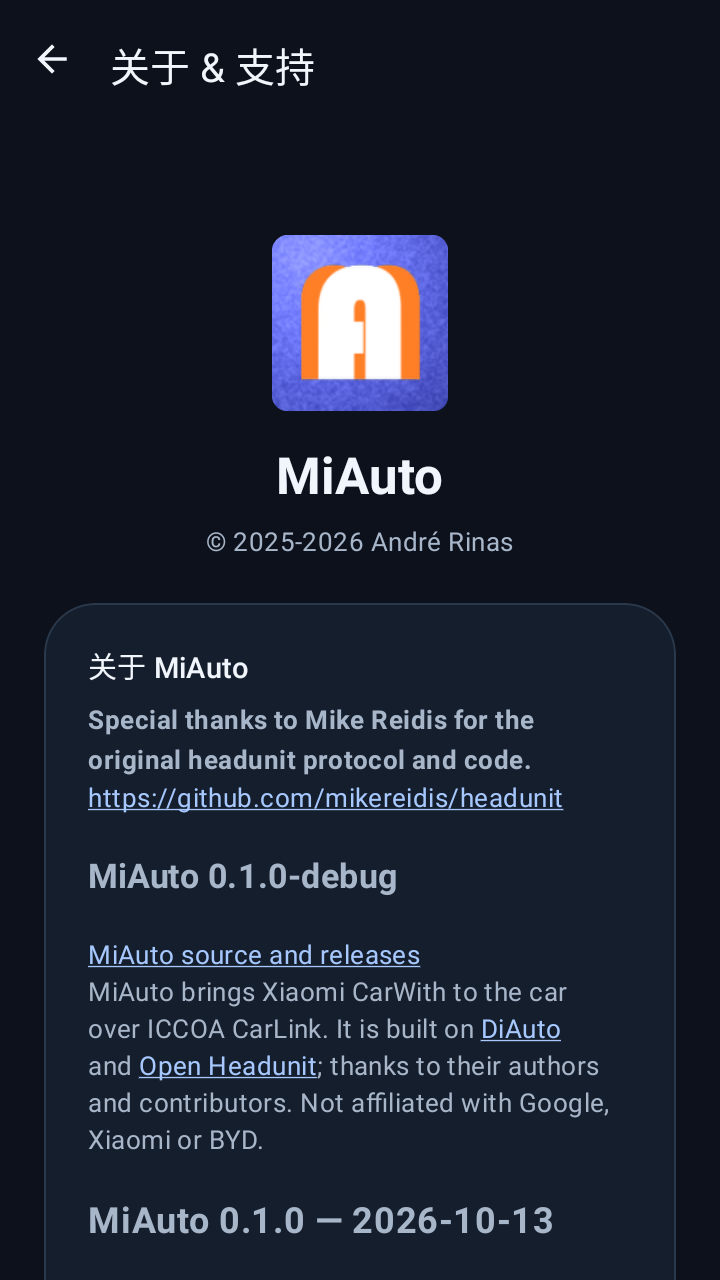
- Own package and signing key, so MiAuto can be installed next to other receiver apps on the same head unit.
Compatibility
Verified on a Newland NLS-MT9055-GL running Android 11 (arm64): the app installs, starts, advertises, shows a pairing code and completes a CarWith session, and the pairing code survives a cold start. Not yet verified: installation and pairing on a BYD or other production head unit, and the cluster / HUD projection paths, which are carried over from the base project and have not been exercised on hardware with MiAuto's protocol stack. If you run one of those setups, expect to be an early tester and please report what you see.
Get release updates
New versions are published on the repository's releases page, together with the APK and its checksum.
Updates & signing
MiAuto has its own package name and its own signing key, separate from the projects it was built on. Builds from this repository are signed by that key and will install over each other; they will not install over a build signed by another key, and vice versa.